
Sessions, targets & shots
Group shots into targets or 10-shot series to compare blocks inside the same session.
Training companion for pistol, rifle and other target disciplines.
Record every session, track shots and targets, scan when needed, and review the analytics that help you improve faster.
AimSight isn’t on the public stores yet. Get notified for Play / TestFlight access.

Built for serious shooters
Group shots into targets or 10-shot series to compare blocks inside the same session.
Scan a target when you want automated shot detection, or keep entering scores manually.
Explore More →Average score, 10s rate, consistency, and Δ from overall help you spot trends fast.
Log scores only when it is safe to do so, never while actively pointing a weapon.
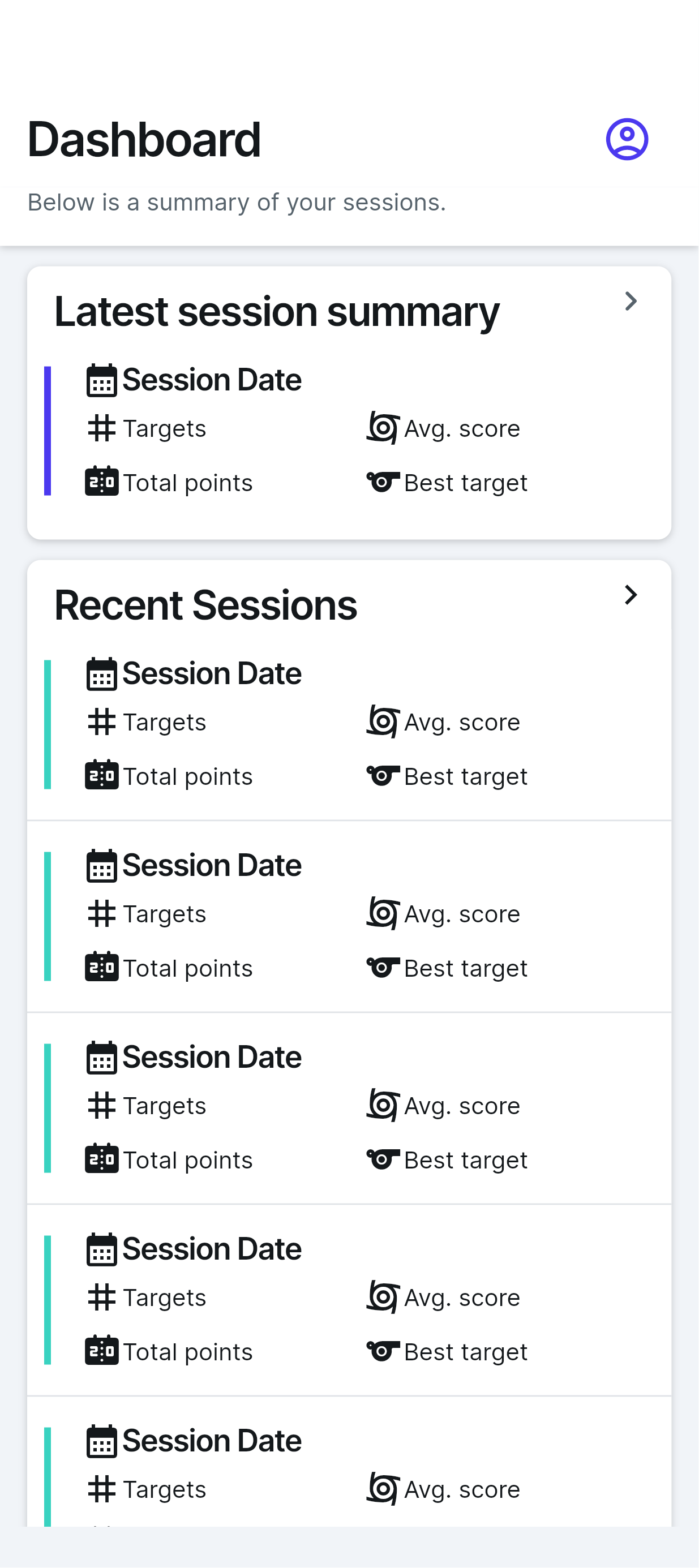
AimSight keeps the experience focused: sign in, record your sessions, review recent training, and come back with a clearer picture of your progress.
The app flow is designed around practical range use: quick access, recent-session summaries, and simple places to keep your training data organized.

# How it works
Create the session, add targets and shots, then review the analytics that explain what changed.
Add date, discipline, weapon type, distance, notes and whether the session is practice, drills or competition.
Enter scores manually, group shots into 10-shot series, reorder targets, or scan from camera/gallery.
Use average score, best target, consistency, 10s rate and delta from overall to decide what to adjust next.
AimSight turns your session log into practical indicators: average score, best target, 10s rate, consistency, and delta from your overall average.

Manual entries always support 0–10.9. For automatic target scans, choose whole-number 0–10 scoring or decimal 10.9 scoring depending on your training style.
AimSight helps you track performance without turning your practice data into a black box. You stay in control of sessions, shots, targets, scan images and account data.
AimSight is designed around actual range workflows: manual score entry first, optional scanning when useful, and analytics that stay readable.
Yes. Manual score entry remains the core workflow, so you can track sessions even when you do not want to use the camera.
Manual entries support 0–10.9. Automatic target scans can use whole-number 0–10 or decimal 10.9 scoring depending on the mode.
Yes. The app is designed with data export and deletion controls for sessions, shots, targets, scan images and account data.
AimSight isn’t on the public stores yet. Join closed testing and get notified for Play / TestFlight access.
Closed testing first. Join closed testing to try the app before public store release. Prices below match the in-app freemium plan — billed in store currency when stores go live.
Track, score & scan ISSF practice
$0
Manual scoring forever · 3 scans/mo · ads for +1 scan
$1.99/mo or $14.99/yr
10 scans/mo · ad-free scans
$4.99/mo or $39.99/yr
100 scans/mo · priority analytics + PDF · HR + arm tracking via phone (Wear OS / BLE) coming as Premium-only
20 scans @ $1.99 · 50 scans @ $4.99
Not on public app stores yet. No invented store links — request closed-testing access below.
Prices in store currency. Closed testing first — Join closed testing.
Join closed testingOpens your email app to info@aimsight.app